
Your expenses, stress-free and nothing lost.
The app that scans your receipts, tracks reimbursements and generates PDF expense reports. Your data stays on your phone — or in your own Drive if you choose to back it up.
- No account, no ads
- AES-256 encrypted database
- No MoneyDocs backup server
- 7 languages, multi-currency
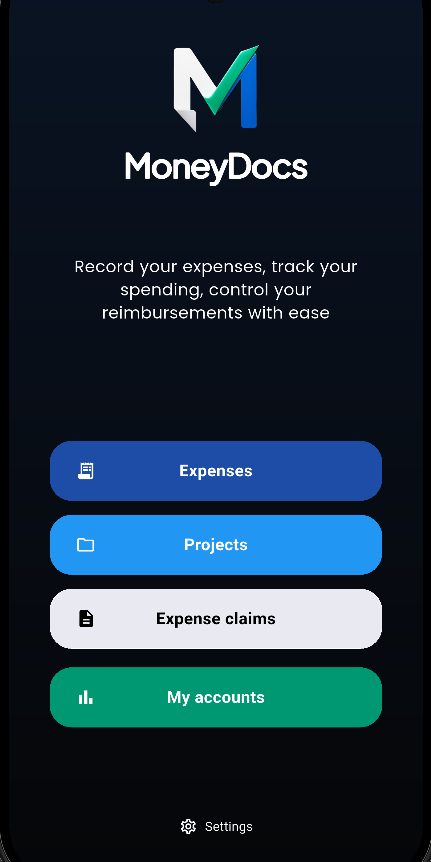
OCR
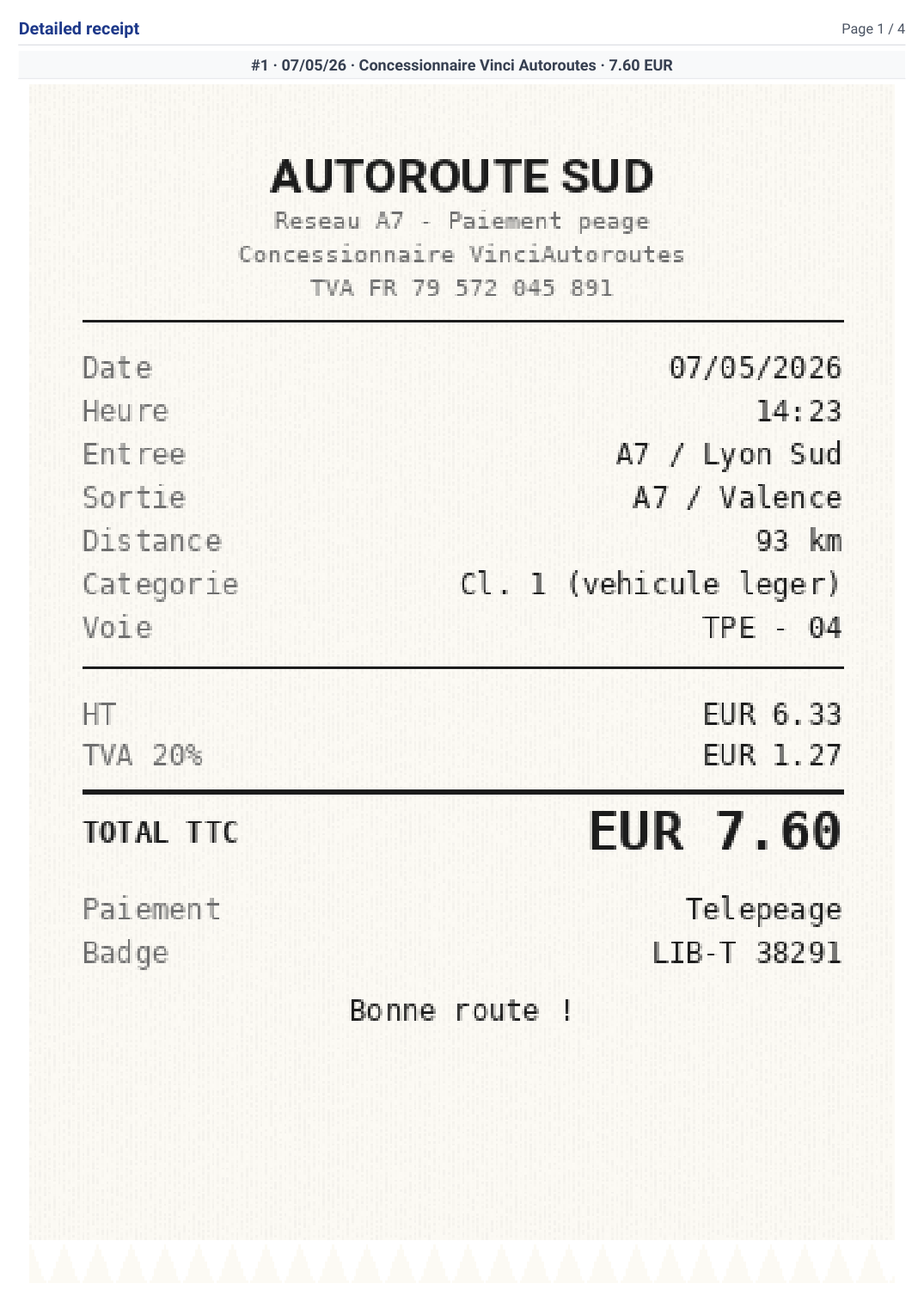
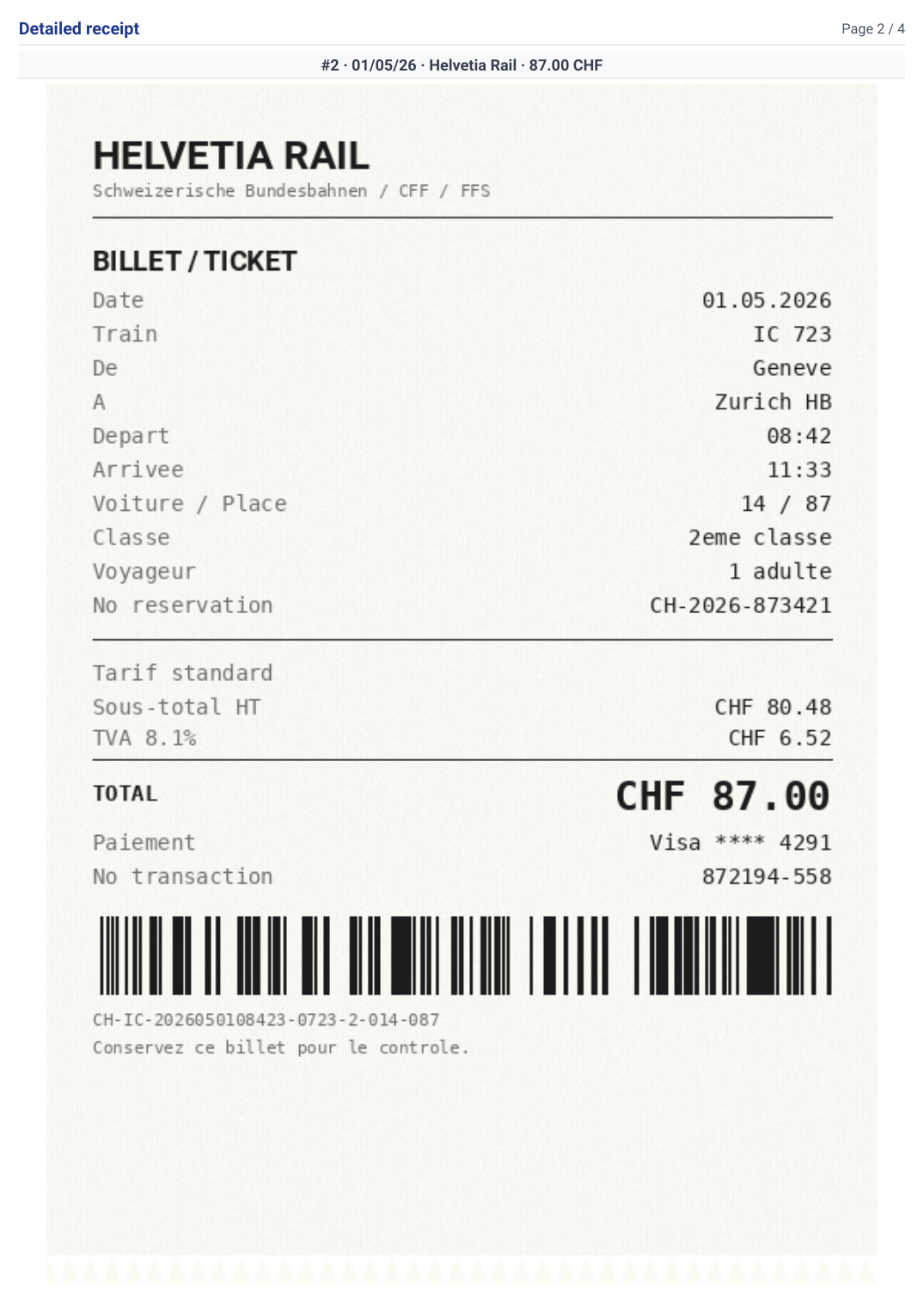
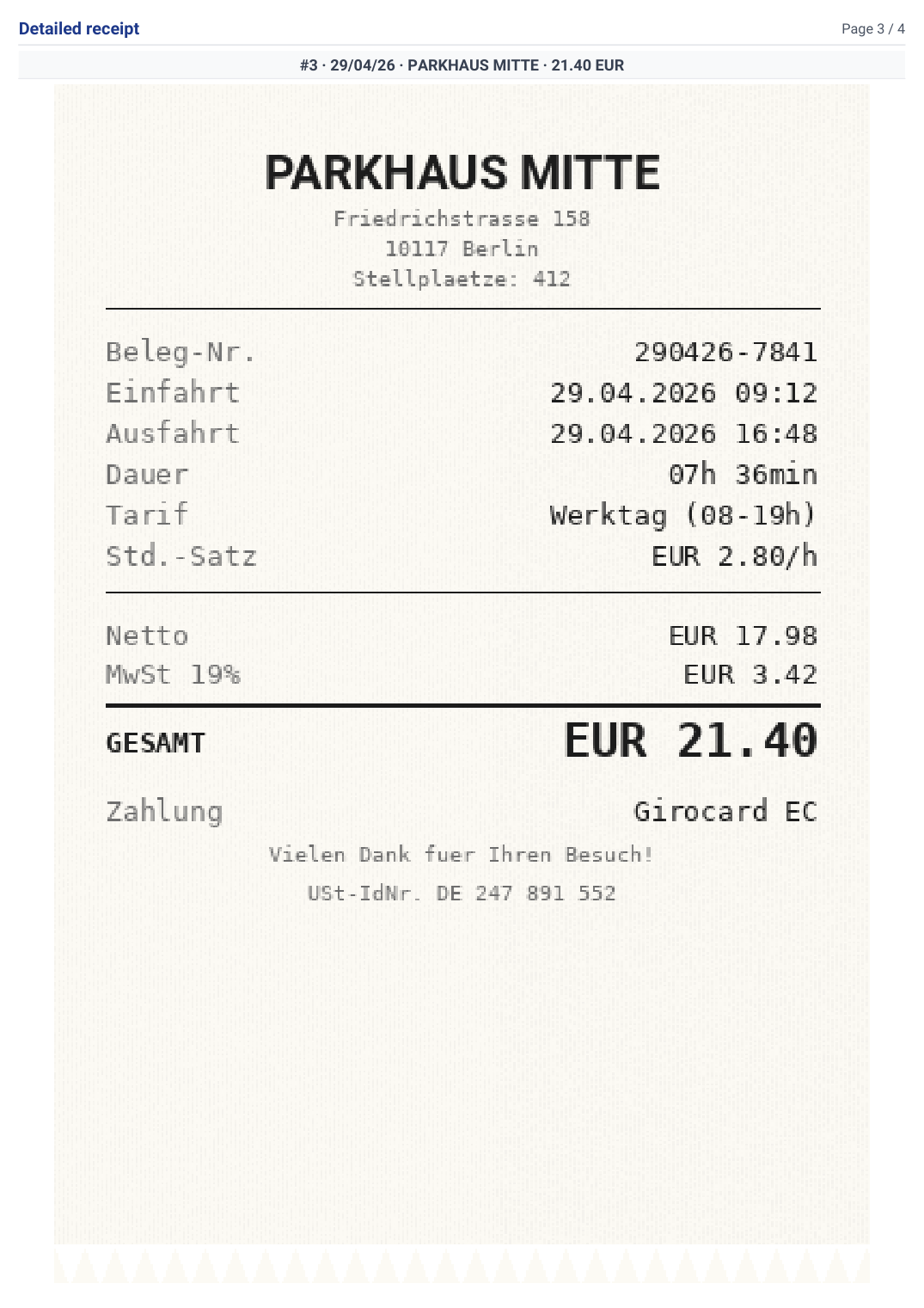
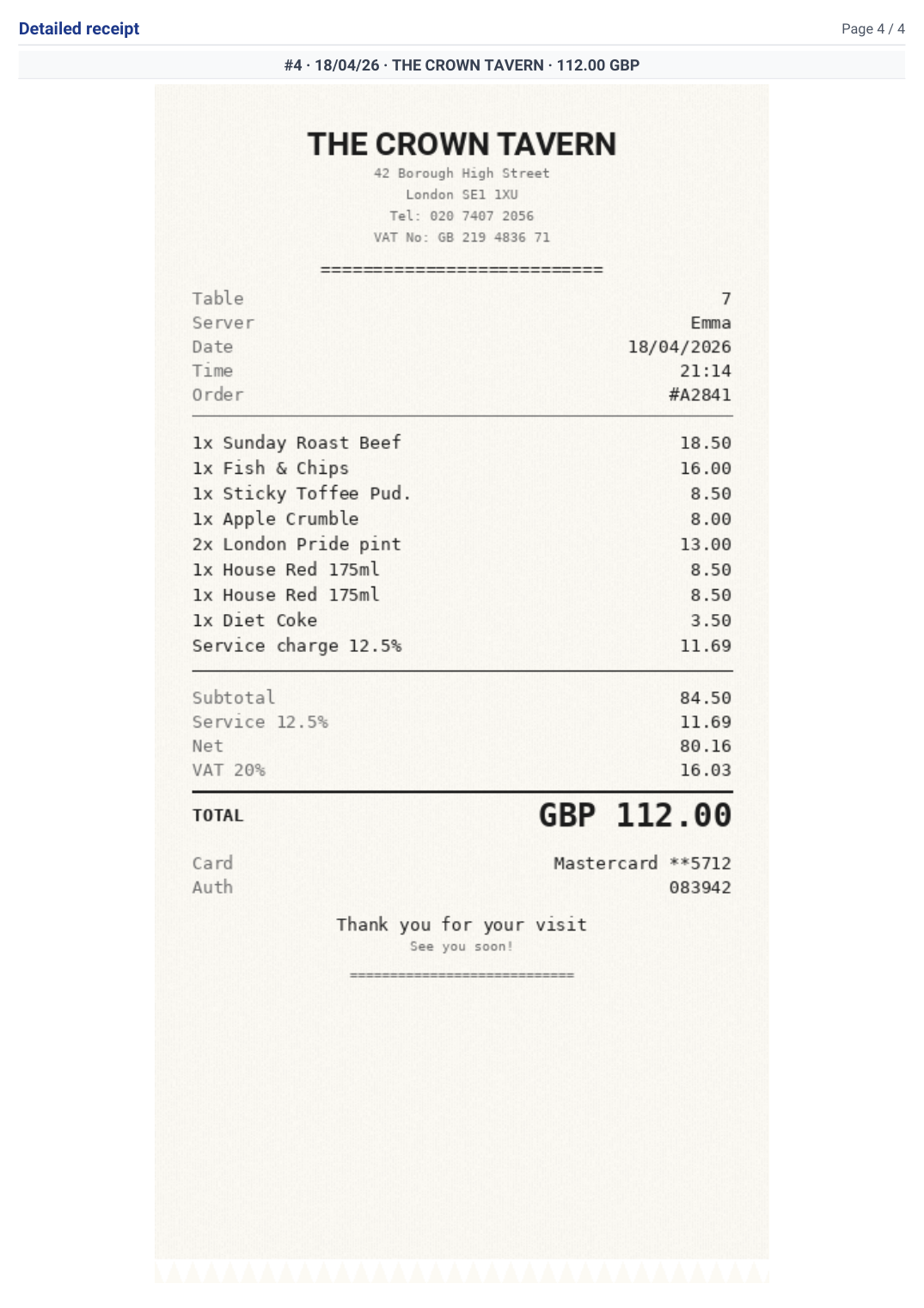
One photo. Fields filled in.
Snap a receipt and let the OCR do the work. Merchant, amount, currency, date and taxes are extracted automatically. You only confirm what's already correct.


How it works
From receipt to expense report — in 3 steps
-
1
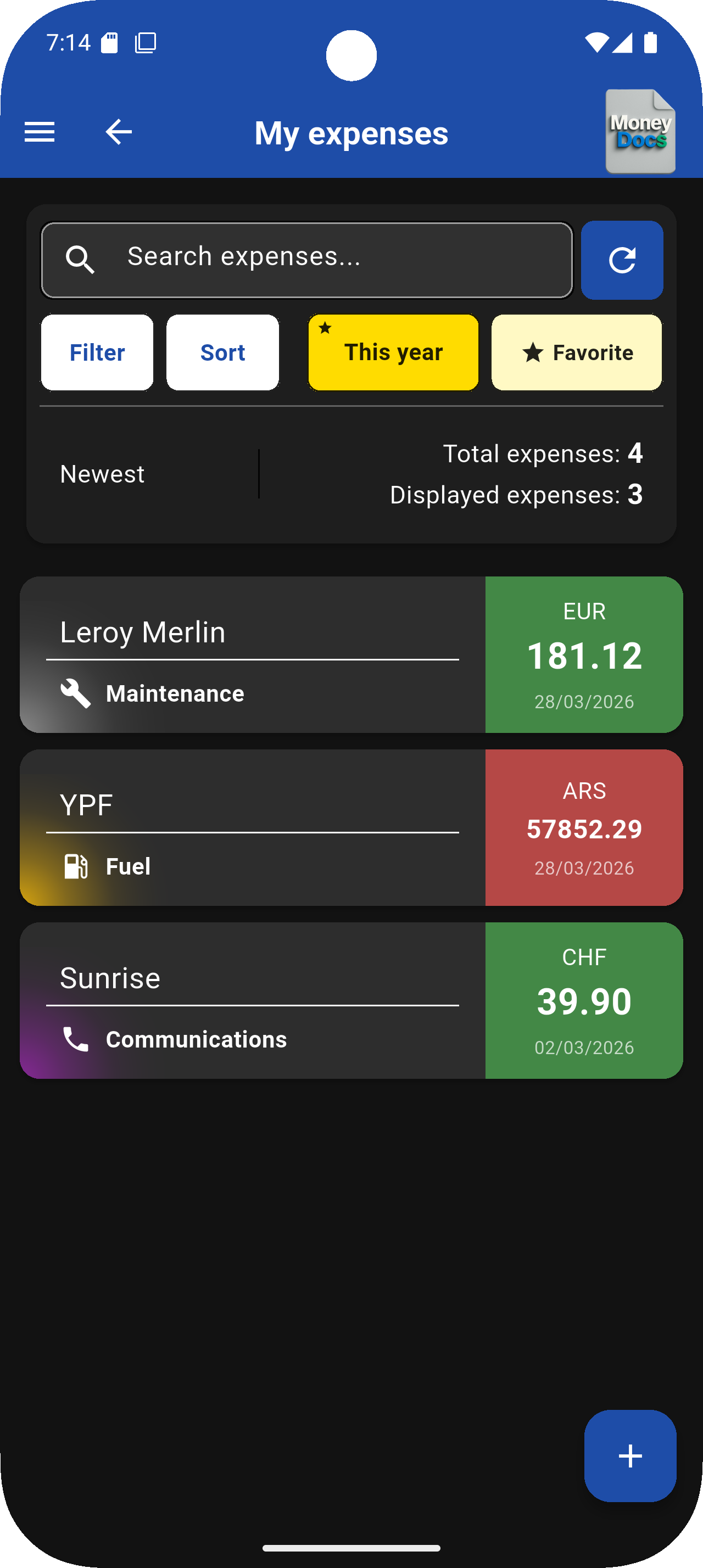
Track every expense
Scan or type. OCR auto-fills merchant, amount, currency, date and taxes.
-
2
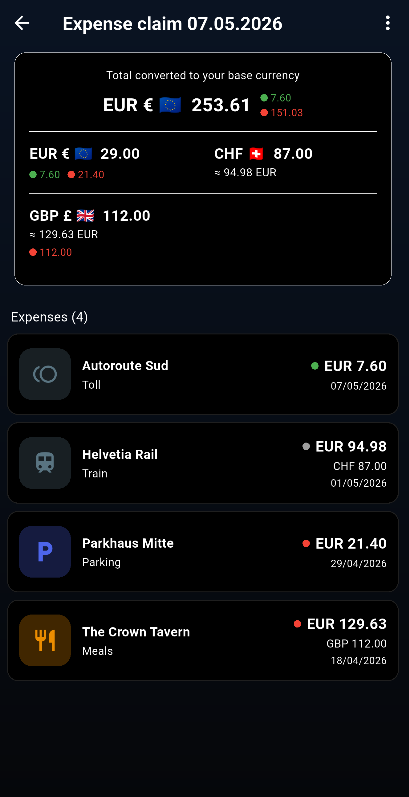
Compile your claim
Group expenses by project. Multi-currency totals convert automatically into your base currency.
-
3
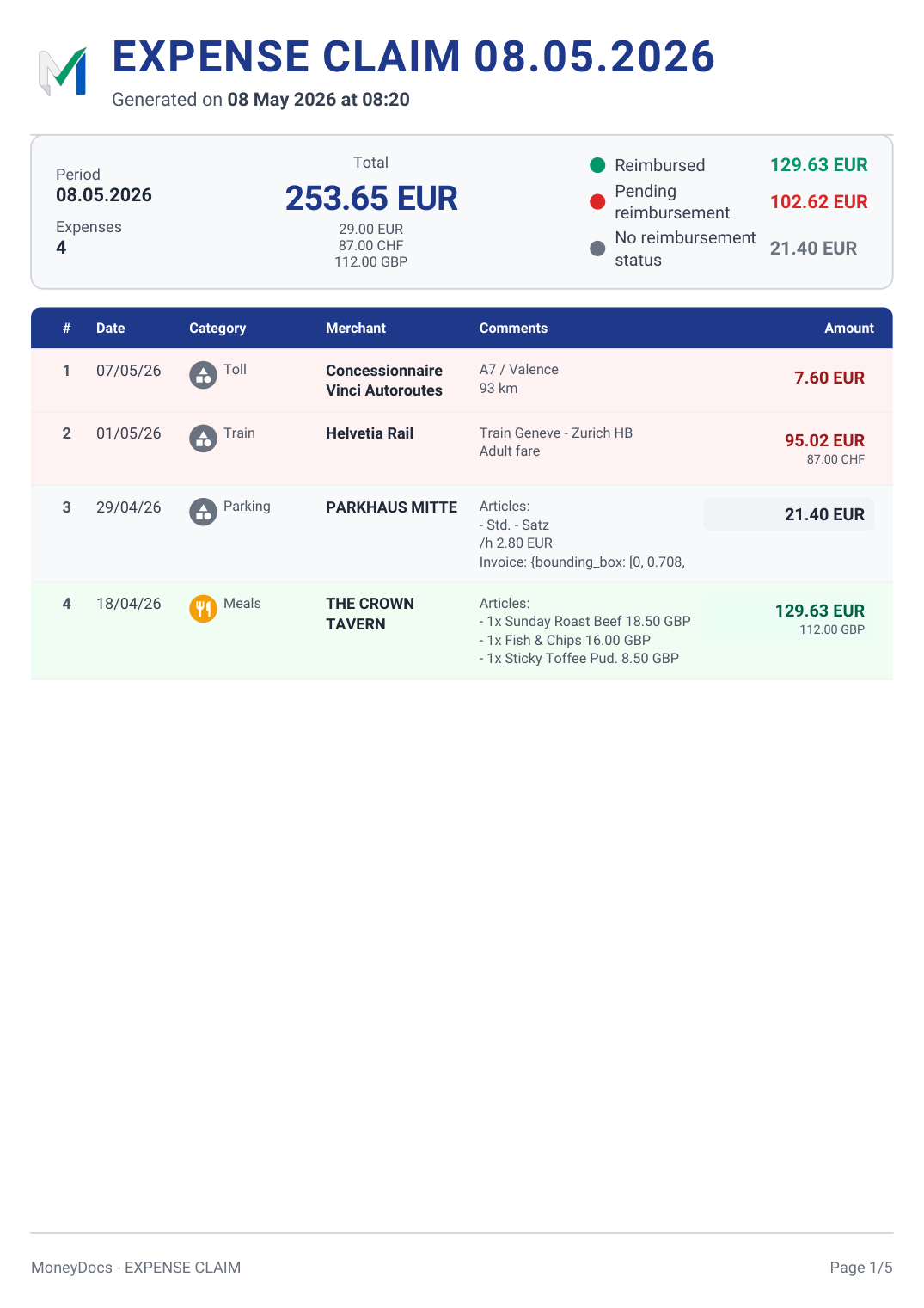
Export and send
Generate a clean PDF expense report. Sign it, send it, archive it.


- EN
- FR
- DE
- ES
- IT
- NL
- PT
What MoneyDocs changes for you
No more forgotten reimbursements
Every receipt scanned, every expense marked 'pending': you finally get back what you're owed, down to the last cent.
Your expense report in 30 seconds
Fast, simple, clean — for your employer, your accountant or your archives.
To the ends of the Earth, without losing track
Tokyo, Bangkok, New York: spend in any currency, MoneyDocs converts and sorts everything by the time you're home.
Your finances stay yours
No MoneyDocs account, no forced cloud, no tracker. You decide if — and where — your backups live.
Three steps
From receipt photo to signed expense report
-
1
Scan or type
Snap a receipt: the OCR extracts merchant, amount, currency, date and taxes. Fix anything in two taps if needed.
-
2
Sort and track
Assign to a project, account, category. Mark 'to be reimbursed', add a note. The balance updates in real time.
-
3
Export and back up
PDF or CSV in one tap. Turn on automatic backup to your Google Drive: changing phones means restoring in under a minute.
Everything you need, nothing more
Local and encrypted
SQLCipher AES-256 database, PIN or biometric lock.
Smart receipt scanning
Merchant, amount, date, taxes extracted automatically.
Reimbursement tracking
Pending, reimbursed or not applicable — you see it all.
Projects
Group by trip, renovation, client, vacation. Budget tracked in real time.
PDF and CSV reports
Breakdown by project, account or category in one tap.
Multi-currency
Automatic conversion with up-to-date rates. Perfect for travel.
Automatic Drive backup (Pro)
AES-256-GCM encrypted backup to YOUR Google Drive, scheduled daily. Available with the Pro version. The free version lets you manually export a .moneydocs package and upload it anywhere you want.
Quick share
One expense or one project: one tap to export a visual card (PNG) or a full PDF. Perfect for sending to an accountant, a partner, or posting to a family chat.
7 languages
The app matches your system language. The OCR reads any language.
Included in the Pro version
Your data protected — without trusting us with it
MoneyDocs has no backup server. If you turn on cloud protection (included in the Pro version), your data is encrypted on your phone and stored in the private folder of YOUR own Google Drive — invisible to other apps, accessible only to you. The free version lets you export a .moneydocs package at any time and save it wherever you want (Drive, Dropbox, USB, email).
-
AES-256-GCM encrypted on your device Backups are encrypted before leaving your phone. Random nonce, 128-bit authentication tag.
-
Restore in under a minute Phone lost or replaced? Reconnect your Google account: everything comes back — expenses, projects, receipts, accounts.
-
Disable any time Opt-in from Settings → Security. Disable and revoke from your Google account whenever you want.
End-to-end encryption: the key is derived from a password only you know. Neither we nor Google can decrypt your backups.
Built for real situations
Business expense report
Scan as you go, mark 'to be reimbursed', export to PDF at month end. See what you're owed at a glance.
Travel abroad
'Tokyo' project in yen, auto-conversion to your currency. Full PDF report on your return.
Renovation or big project
Contractors, materials, deliveries: every invoice logged, budget variance in real time.
Family and sharing with friends
Holidays with friends, flatshare, family project. Everyone declares what they paid for the group. At closing, MoneyDocs calculates who owes what to whom with a simplification algorithm: 3 transfers instead of 10. No more shaky spreadsheet in a corner. (Indicative tool, no legal value.)
Who MoneyDocs is for
- Self-employed and freelancers claiming reimbursements
- Employees managing their own expense reports
- Small businesses without a dedicated finance tool
- Travellers, exchange students, expats
- Families and roommates with a shared budget
Our commitments
- Nothing is uploaded unless you explicitly export it or activate end-to-end encrypted backup to your own Google Drive.
- No advertising, no Firebase, no Crashlytics. Anonymous usage metrics hosted in Europe (Frankfurt), opt-in at first launch, disableable at any time.
- No bank card digits are ever collected, even when printed on the receipt.
- Cloud backups encrypted with AES-256 using a password only you know: neither we nor Google can read your data.
- Generous free version, Pro version for intensive users. What is announced as free will stay free: no free feature will ever switch to paid.
Frequently asked questions
Is MoneyDocs free?
MoneyDocs offers a generous free version that covers the needs of regular use: unlimited expense entry, unlimited PDF expense report generation, multi-currency, 7 languages, dark/light mode, local backup and manual `.moneydocs` export. A Pro version at €3.99/month (or €29/year) adds automatic cloud backup, unlimited OCR, unlimited projects, high-definition merchant logos and priority support. Features announced as free will stay free.
Do I need an account?
No mandatory sign-up. The app runs entirely on your phone, with no password or identifier. An anonymous technical identifier is generated locally for OCR and opt-in usage metrics — it is never linked to your name, email or phone. **Optional email**: if you wish, you can leave us your email address at install or at any time in Settings, to receive our communications (news, surveys, Pro promotions). This email is optional, unsubscribe in one click at any time.
What happens when I change phones?
Two options. (1) **Free**: manually export a `.moneydocs` package (Settings → Export), then re-import it on the new phone. (2) **Pro**: automatic cloud backup to your own Google Drive; on the new phone, enter your backup password and everything is restored — expenses, projects, receipts, accounts.
Is my data really private?
Yes. Locally encrypted database (SQLCipher AES-256). Only receipt images transit anonymously to our OCR, and are not retained. Usage metrics (opt-in, disableable at any time) are hosted in Europe and strictly anonymous — no amounts, no real merchant names. The optional cloud backup is end-to-end encrypted: the key is derived from your password and never leaves your device.
What if I forget my cloud backup password?
Three safety nets to avoid losing your data. **(1) Recovery file**: when you activate backup, MoneyDocs generates a `.moneydocs-recovery` file that you download and store wherever you want (USB, email to yourself, password manager, printed QR code). If you forget your password, this file lets you recover everything. **(2) Automatic reminder every 6 months**: MoneyDocs prompts you to re-enter your password to confirm you still remember it (in-app notification, no email needed). **(3) Manual `.moneydocs` export**: at any time you can export your entire database without a specific password, and save it wherever you want (Drive, Dropbox, USB). If despite these 3 safety nets you lost both your password AND your recovery file, then yes, your cloud backups would become unreadable — that's the trade-off of end-to-end encryption, which guarantees that no one (neither us nor Google) can access your data without your permission.
How does mutual confirmation work in a peer-to-peer loan project?
In a 'peer-to-peer loan' mode project, each transaction (initial payment or repayment) can be marked as 'to be confirmed by the other party'. When the other user confirms in their MoneyDocs, the transaction switches to 'confirmed by both parties'. **This mechanism has no legal, contractual or evidentiary value.** It is simply a mutual transparency tool to provide a shared sense of honesty between the two people. MoneyDocs cannot under any circumstances be held responsible for any financial dispute that may arise.
What about sharing expenses with friends or family?
You create a project in 'shared accounting' mode, you add the members of the group, and each one declares over time the sums they paid for the group (for example: 'D paid €200 for A, B, C and D'). When the project is closed, MoneyDocs automatically calculates who owes what to whom, simplifying the flows with a dedicated algorithm (3 payments instead of 10 in a group of 5). **Indicative tool with no legal value**; no liability can be claimed against MoneyDocs.
How does the OCR scan counter work in the free version?
The free version allows **12 receipt scans per month**. And we're fair: if the OCR doesn't do its job properly, the scan is not counted. Concretely, MoneyDocs compares what the OCR proposed with what you finally validate. **If you correct two or more fields** among {merchant, total amount, currency, date}, the scan **is not counted** against your monthly quota. Corrections to category, VAT fields (rate/amount/subtotal) and personal comment are excluded from this calculation, as they don't really reflect the quality of the OCR scan. The Pro version lifts all limits and offers unlimited OCR.
Can MoneyDocs contact me in the app?
Yes, but in a clear and transparent way. **Mandatory notifications (not disableable)**: security incidents (legal obligation GDPR/nFADP) and updates to the terms of service (contractual obligation). **Optional notifications (all individually disableable in Settings → Notifications)**: app updates, promotions and Pro offers, user surveys, occasional newsletter. All these optional notifications are enabled by default at first launch, but a clearly visible toggle lets you **disable everything that is not legally mandatory in one go**. If you have provided your email (optional), you can also receive these communications by email — unsubscribe in one click at any time.
What languages does the OCR work in?
Any language. The engine processes receipts from anywhere in the world. Only the app interface is translated into 7 languages.
Ready to take control of your expenses?
MoneyDocs arrives soon on Google Play. In the meantime, read what we never collect — you'll know exactly what to expect.